Free music video maker that edits to your song
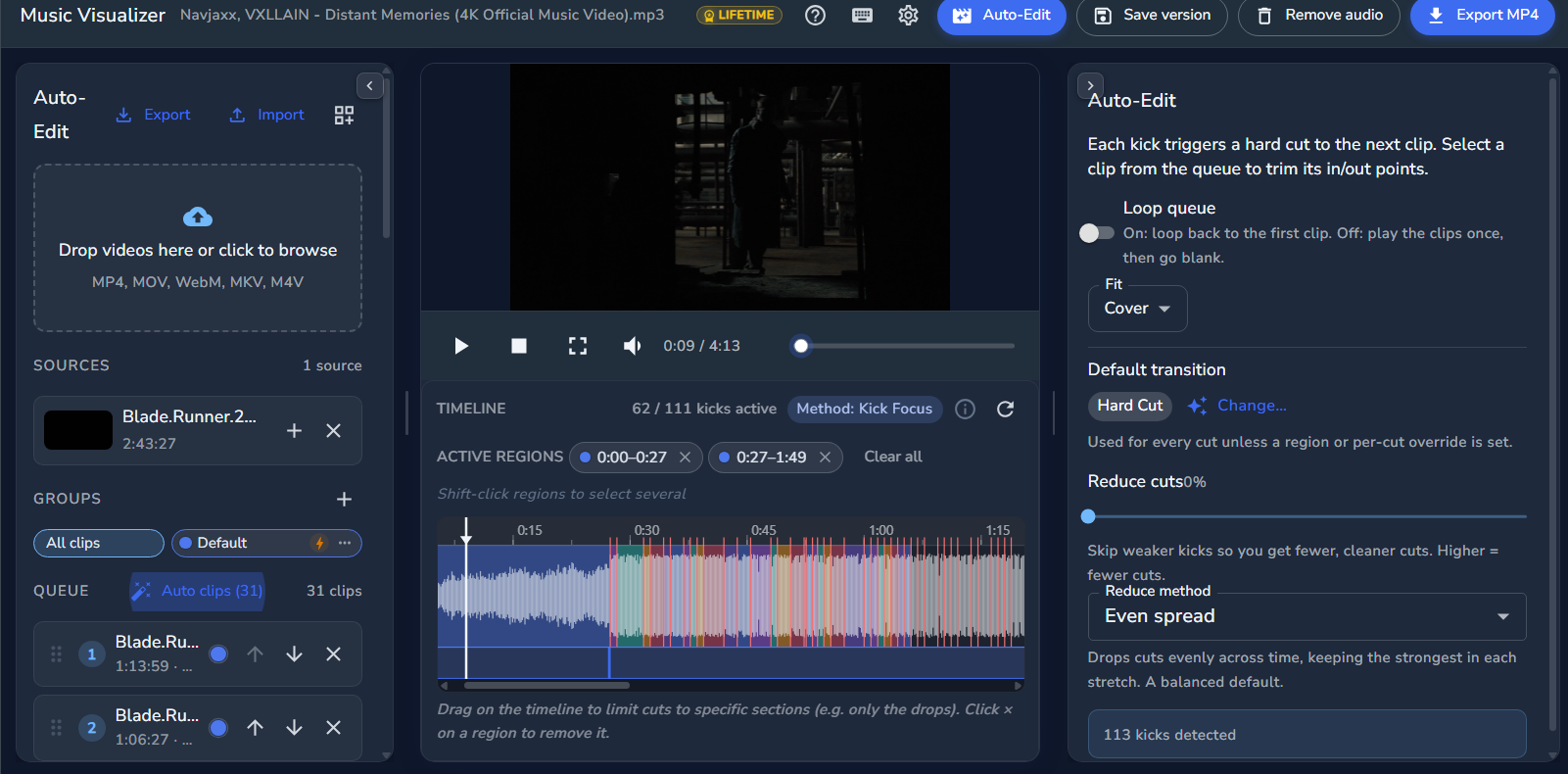
Turn a song and a folder of clips into a music video without editing by hand. Auto-Edit listens to your track, finds every beat, and cuts your footage in time with the music. Made for artists, producers and anyone promoting a release.
Editing and preview are free. Export with a one-time $5 Lifetime Pass, no subscription.
How it works
- 1
Add your song
Upload the track you want to edit to. Auto-Edit finds every kick and beat in it automatically.
- 2
Drop in your clips
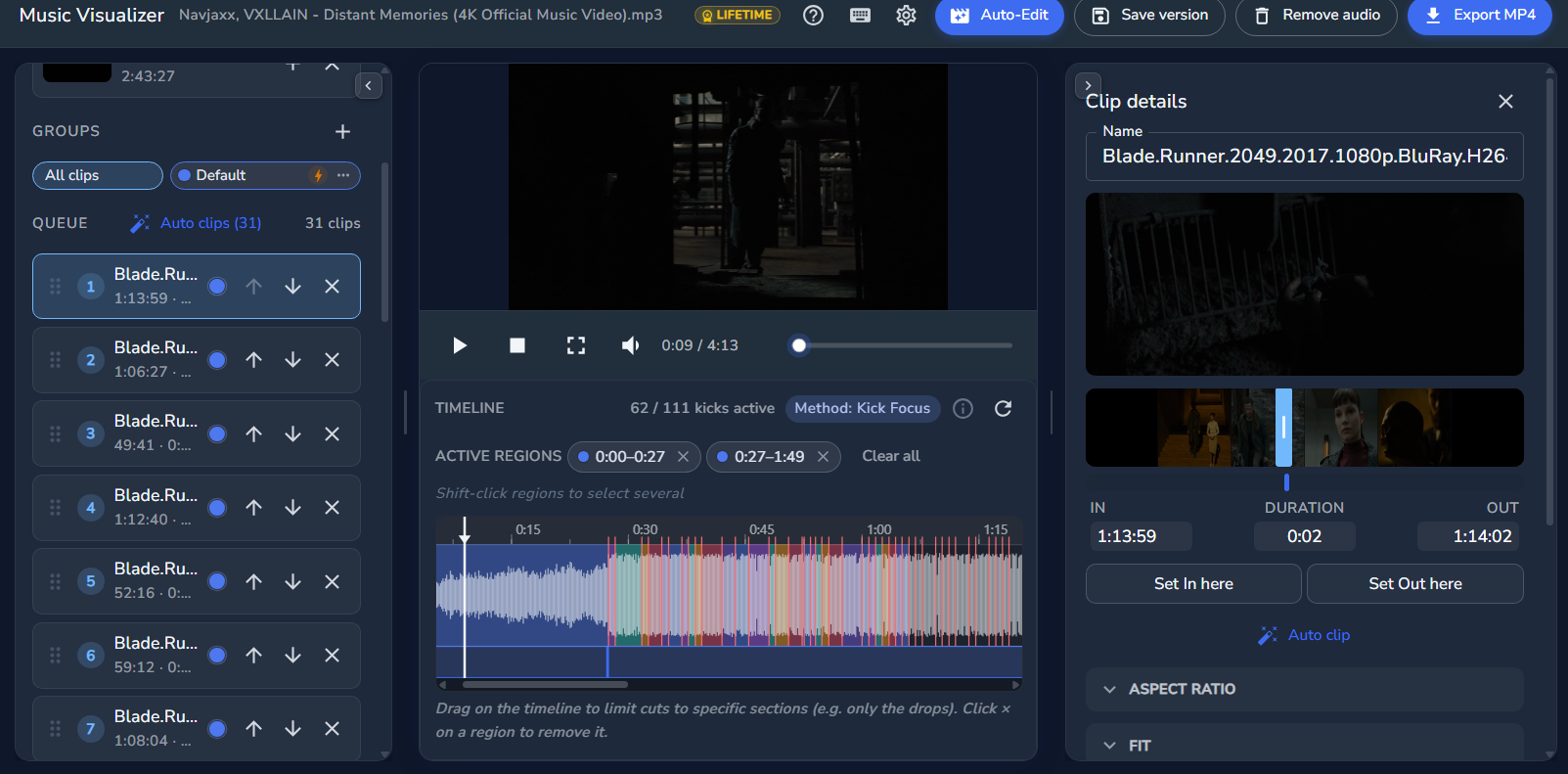
Add your video clips. Auto-Edit cuts them so every change lands exactly on the beat.
- 3
Tweak and export
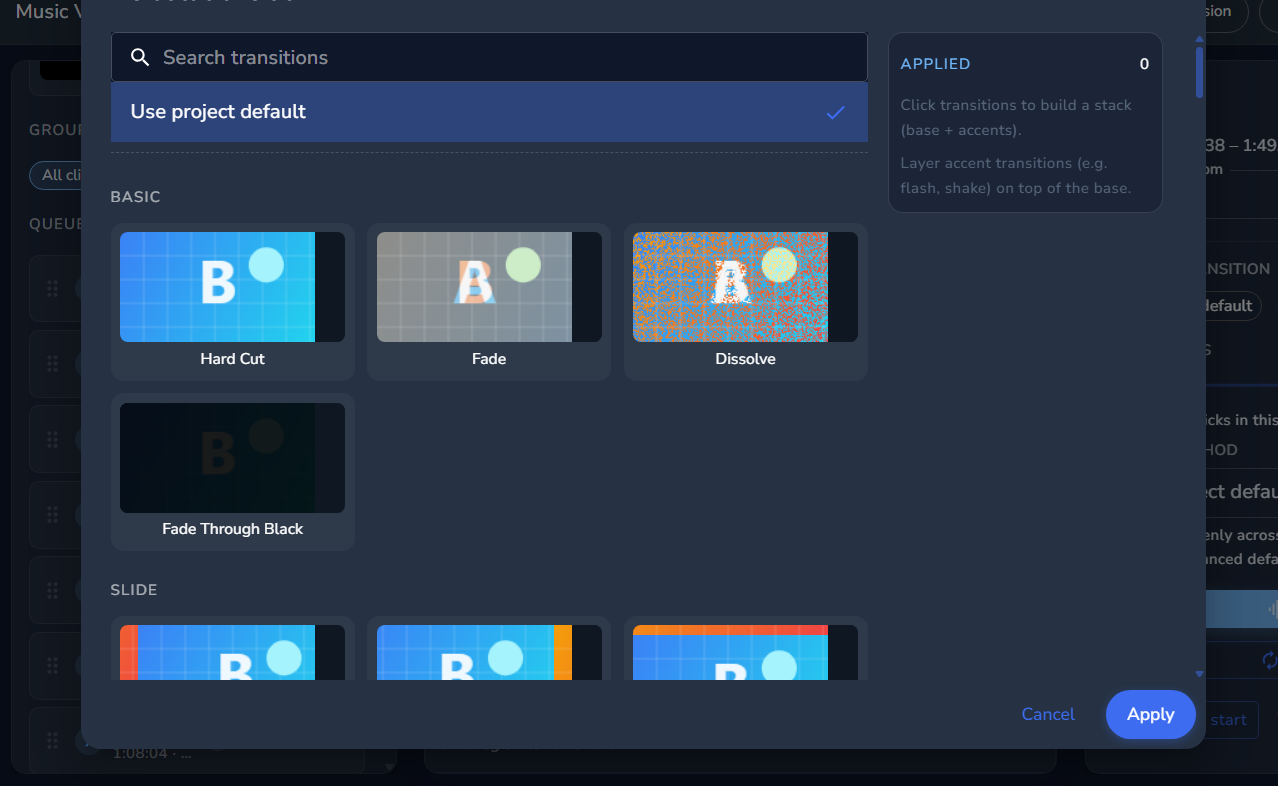
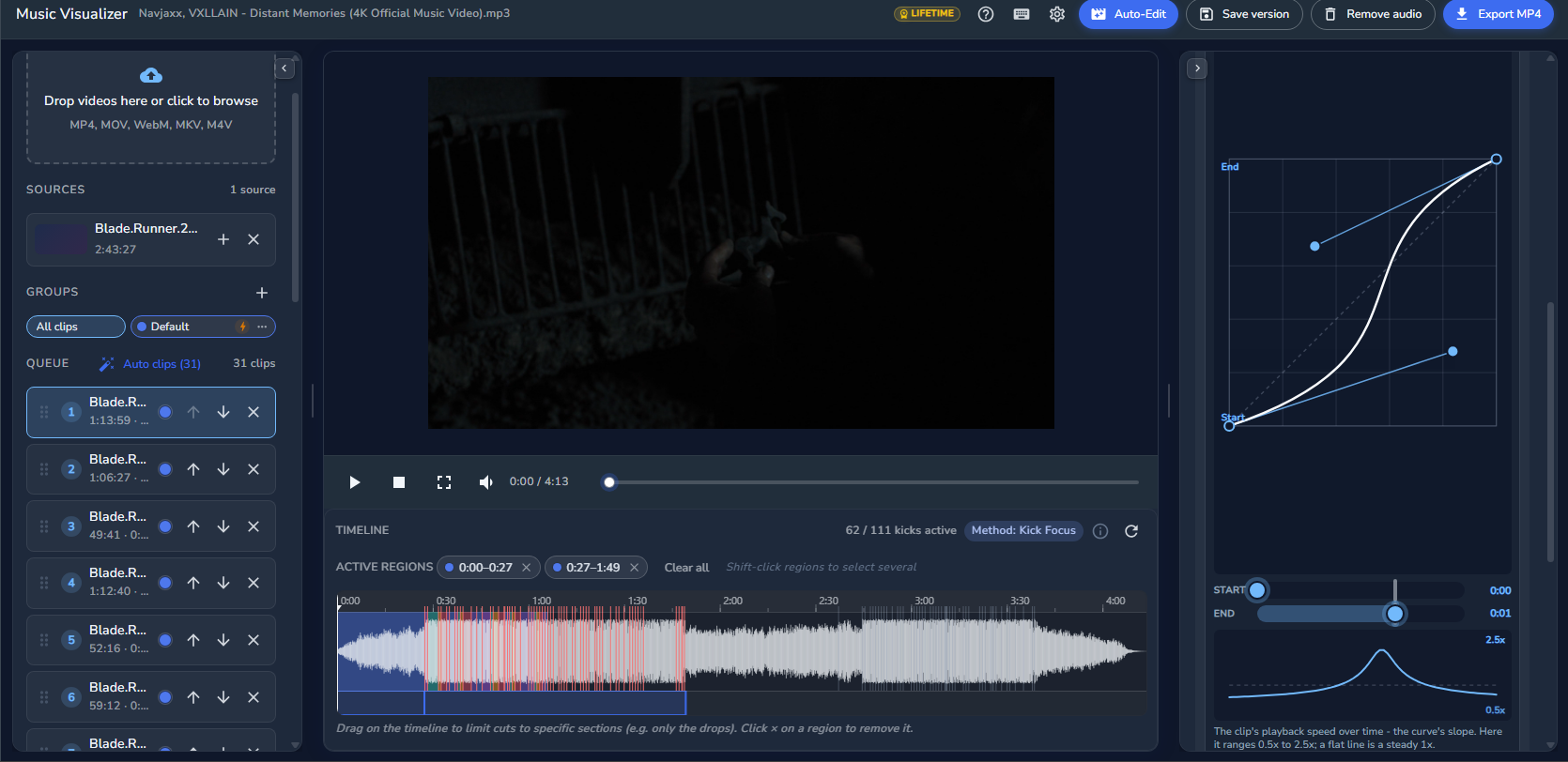
Add transitions, speed curves and effects, check the preview, then export your finished video.
See it in action
Everything you need for a beat edit
Cuts on the beat
Kick detection places every cut on the beat, so the edit feels locked to the music without manual work.
Stackable transitions
Flash, zoom, glitch, blur, 3D and more. Stack them on any cut and they follow the rhythm.
Speed curves
Velocity-style speed ramps that build and release with the song, while the edit length stays the same.
Auto reframe to vertical
Turn wide footage into 9:16 for TikTok, Reels and Shorts. The frame follows the subject automatically.
Nothing to install
Runs in your browser on any computer. Create a free account and start editing in a minute.
Native PC app
For long or high-resolution projects, the free Windows app renders on your graphics card.
Frequently asked questions
Yes. You can build and preview your whole music video for free. Exporting needs a one-time $5 Lifetime Pass, with no subscription.
Any video clips you own: performance takes, b-roll, phone footage or visuals. Auto-Edit cuts them to the song for you.
Yes. Auto-Edit analyzes whatever track you upload, so the cuts follow your song's beat, not a preset template.