Visual Audio Plugin
The native cloud-sync plugin for your DAW
Visual Audio Plugin (VST3 & Standalone) automatically detects your active project and syncs your projects to the cloud every time you save, keeping your production flow completely uninterrupted.
Warning: The installer is not yet verified by Microsoft Defender. Verification is still in progress. this plugin got approved from VirusTotal(scanned clean by 70 out of 71 antivirus engines on VirusTotal).
Supported DAWs
One plugin for your entire studio. Auto-detects your active project.

FL Studio
.flp
Ableton Live
.als
Logic Pro
.logicxFeatures
DAW-Native Backup
No more digging for project files and samples. Open the VST3 plugin right in your rack and click Zip & Send to safely back up.
Auto-Sync & Reminders
Configure the plugin to watch your project folder and auto-sync on save, or set up periodic upload reminders for long sessions.
Smart Extraction
Automatically collects externally referenced audio samples and extracts the full list of plugins used in your project file.
How It Works
Load The Plugin & Sign In
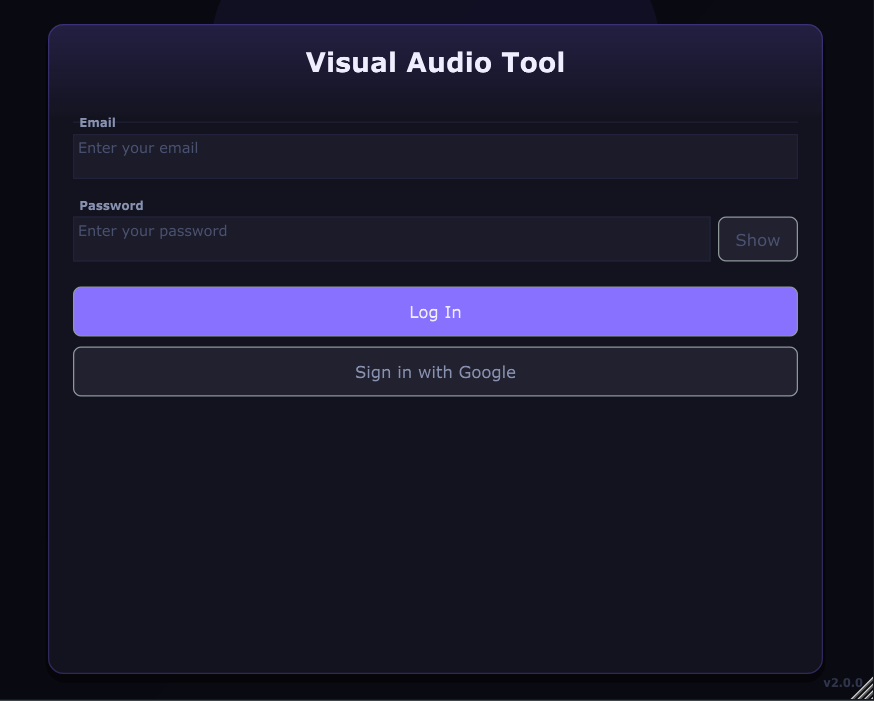
Open the VA plugin in your DAW and sign in to your Visual Audio account.
Configuration
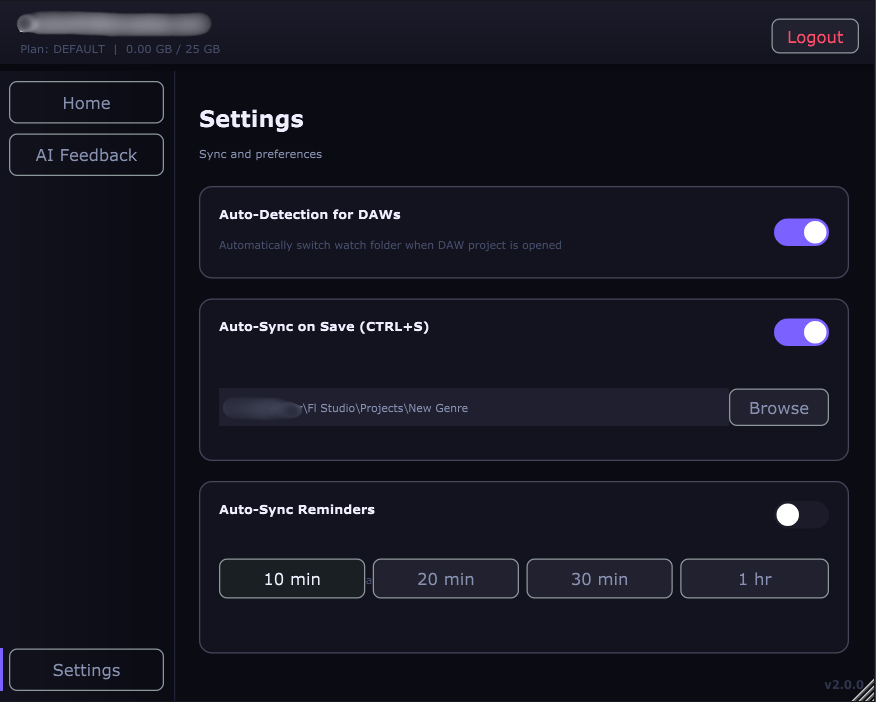
Easily enable auto-sync or reminders for long sessions. When you do CTRL+S in the DAW it will sync the project to the cloud automatically.
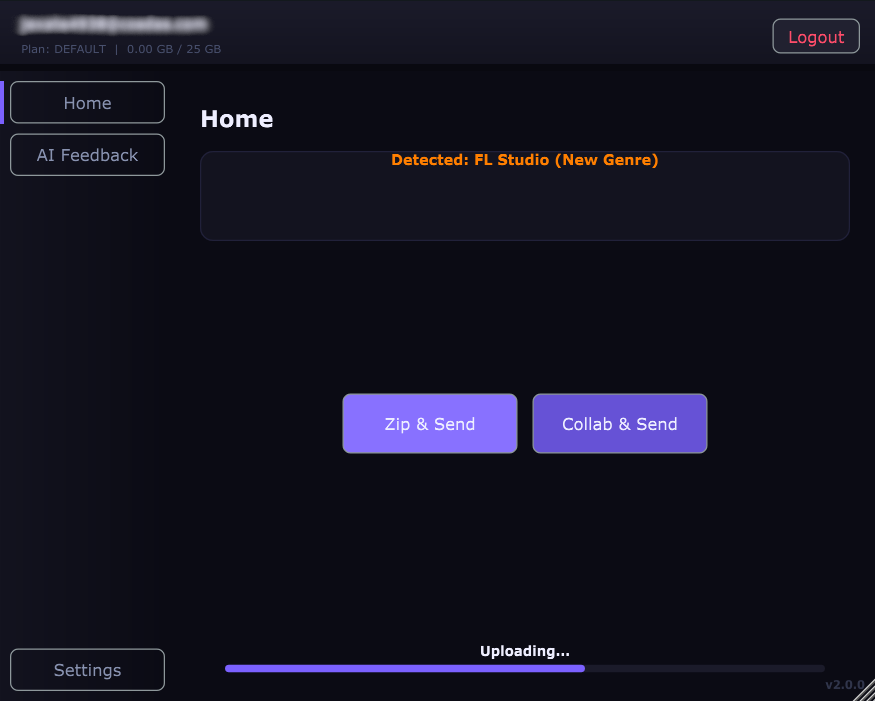
Zip & Send
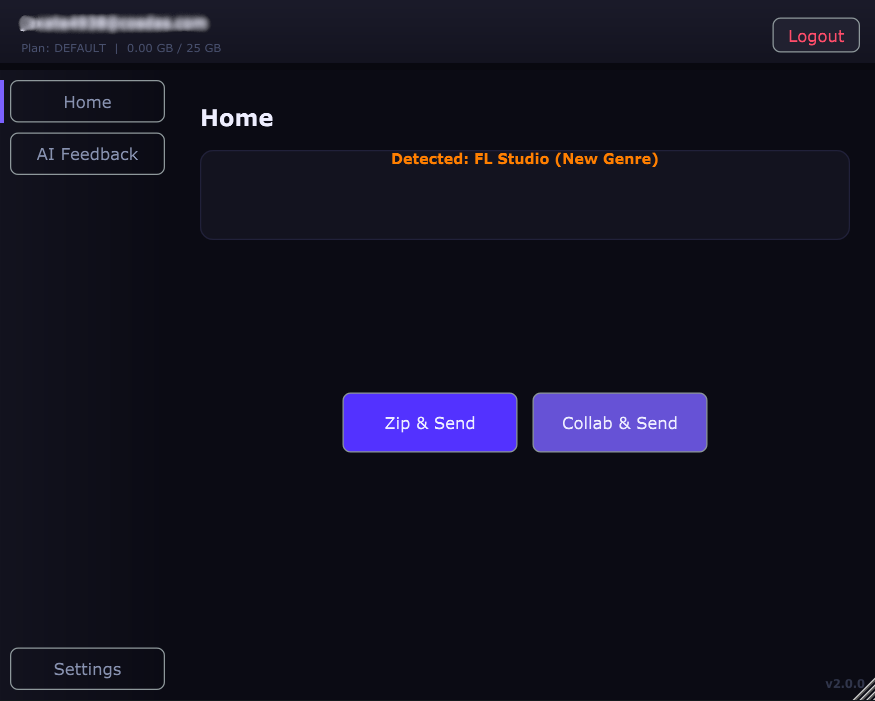
The plugin auto-detects your project. In one click your Project/Collab will be synced with the cloud.
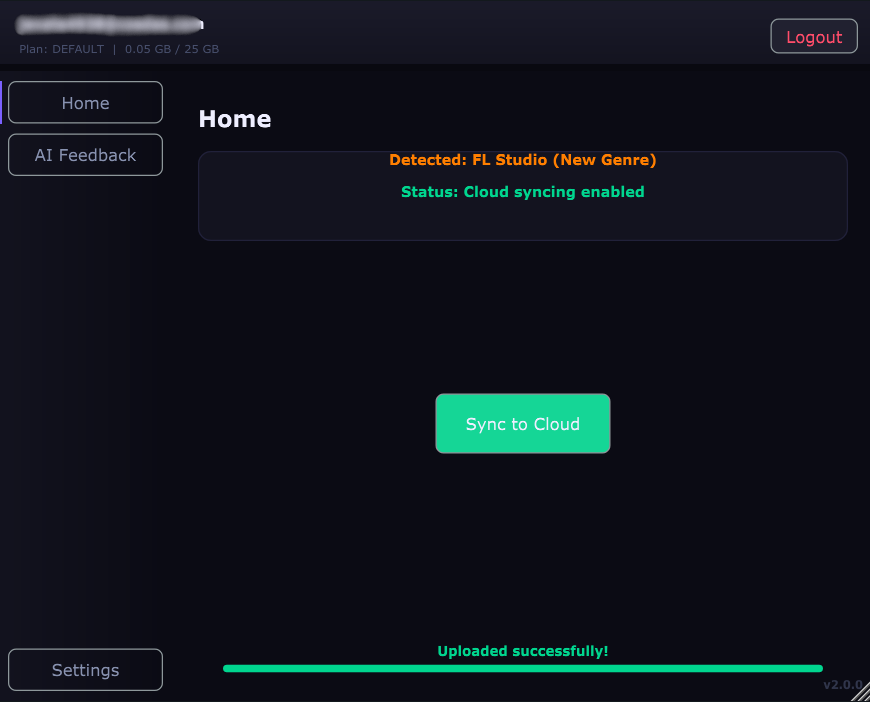
Cloud Synced
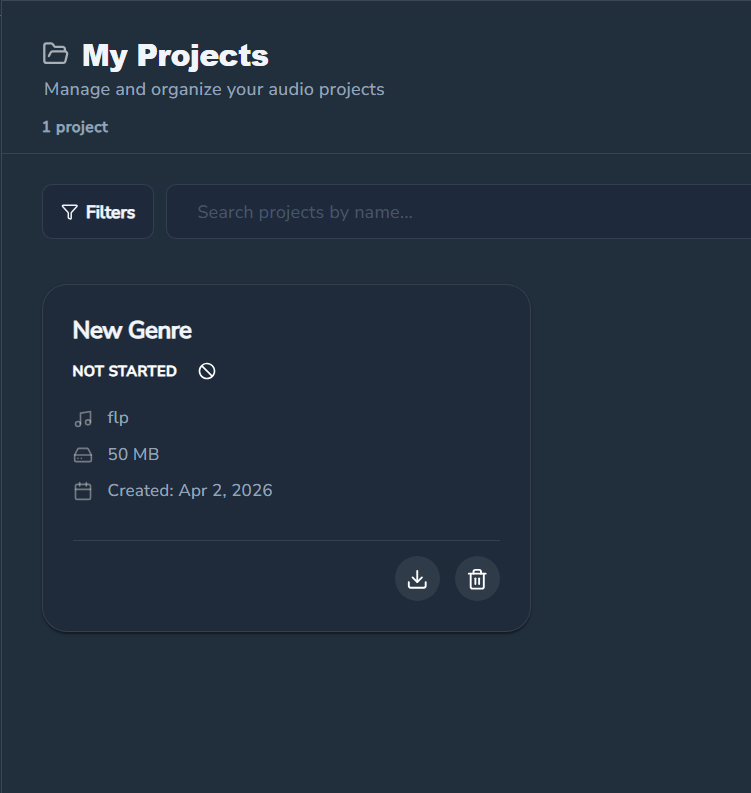
After uploading, the Project/Collab will be synced at all times.
Troubleshooting
Ensure you have installed the VST3 version and that your DAW's plugin scan path includes 'C:\Program Files\Common Files\VST3'.
Check your internet connection and ensure you are logged into your Visual Audio account within the plugin settings.
The installer is safe (verified by VirusTotal). You may need to click 'More Info' and then 'Run anyway' during installation.
Make sure you are using the latest version of the plugin. If the issue persists, try running the standalone version first to verify stability.
If login fails, click 'Sign in with Google' again, select your account, and click 'Continue'. Wait 2-3 seconds, reload the page, and repeat the process (select the account again).
Ready to Speed Up Your Workflow?
Download Visual Audio Plugin and secure your first project from your DAW.
VST3 & Standalone • Windows (macOS coming soon)
Warning: The installer is not yet verified by Microsoft Defender. Verification is still in progress. this plugin got approved from VirusTotal(scanned clean by 70 out of 71 antivirus engines on VirusTotal).